Two-Factor Authentication (2FA)
TK1971 recommends enabling 2FA for additional account security. When active, a second verification step is required after entering your password. This prevents unauthorised access even if your password is compromised.
To set up 2FA:
- Go to your account settings after login.
- Enable the 2FA option and link it to your phone number.
- Each new login from an unrecognised device will prompt a verification code sent via SMS.
Keep your registered SIM card active - losing access to it complicates both 2FA and password recovery. If you change your number, update it through support before the old SIM is deactivated.
Session Management and Auto-Logout
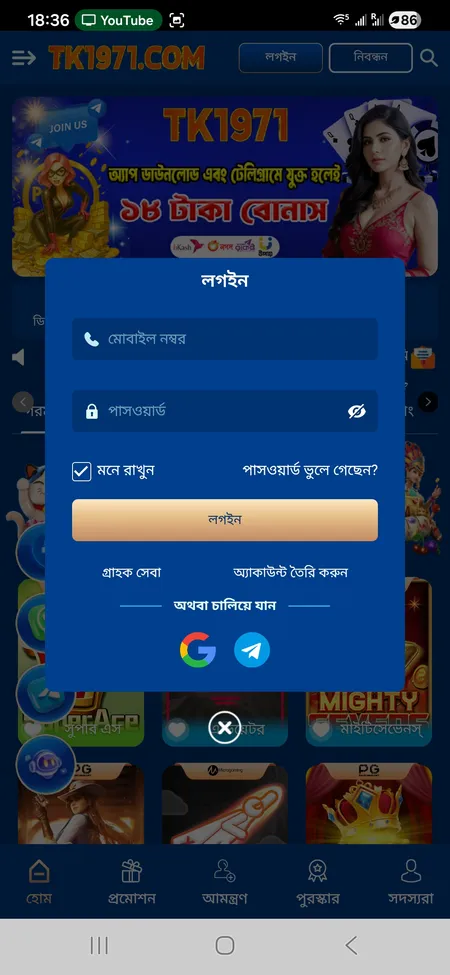
TK1971 logs you out automatically after extended inactivity. This is a standard security measure. Clearing browser cookies or using private/incognito mode also ends the session. The 'Remember Me' checkbox extends session duration on trusted personal devices - do not use it on shared or public computers.
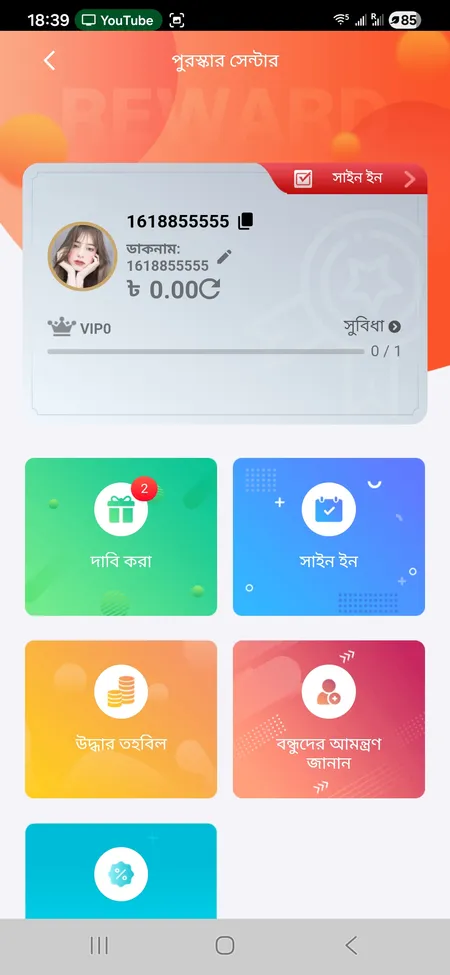
For added safety, use the লগআউট (Logout) button in the account menu when you finish playing. The account menu also shows your current VIP level (VIP0 by default, upgradable from VIP1 once effective bets exceed 1,000 BDT), your User ID, and a link to the Reward Center.